Impersonate User
This administrative ability to "Impersonate" another user is to allow a support specialist the ability to view the application in the personalized user context for analysis of customer service related issues.
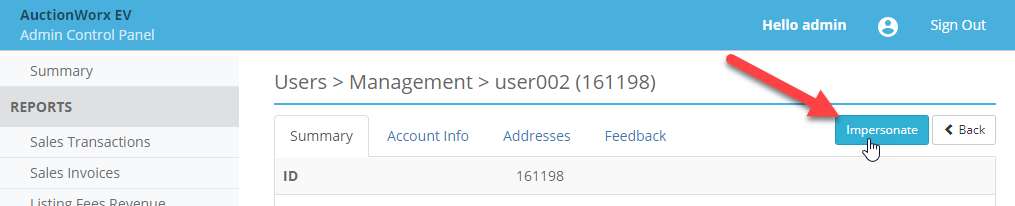
To impersonate a user, click on that user's row from the Users > Management page and you can find the Impersonate button at the top.
When Impersonating a user you will see a Stop Impersonating User button at the top of every page. The header will also display the name of the user you are impersonating.

Note: When impersonating a user, the Bid History will not show the usernames if Admin Control Panel > Site Preferences > Setup: Show Bid History User Names is turned off. To view the usernames in this circumstance, use the Audit page.
