Try AuctionWorx Events Edition
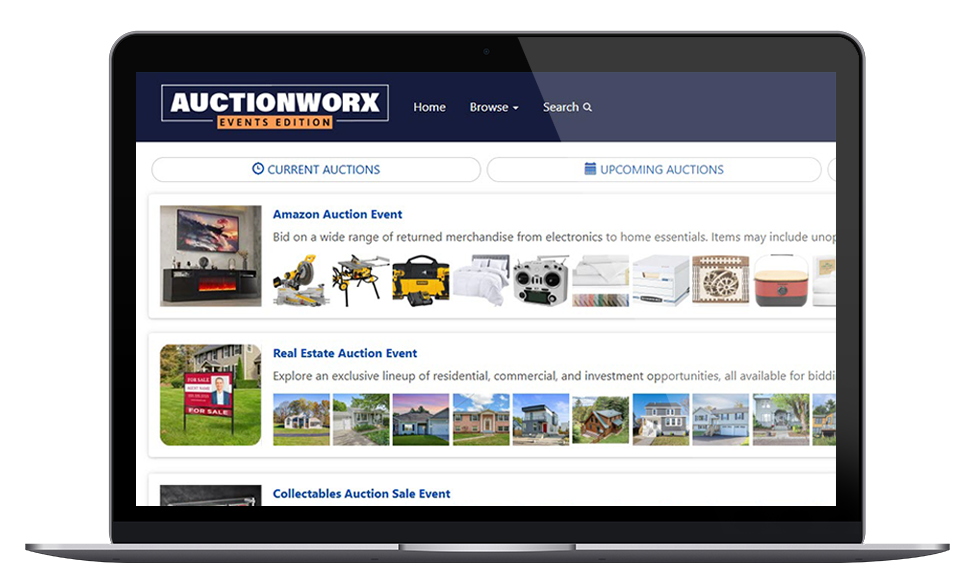
Explore a live timed auction website and the admin tools used to manage events, catalogs, lots, bidding, and site settings.
What to Try First
A quick pass through these workflows gives you a useful feel for both the bidder experience and the operational tools behind it.
Browse Auction Sales
Review active and upcoming timed auction events from the public website.
Inspect Lots
Open catalog pages, lot details, image galleries, and bidding controls.
Place Test Bids
Try the timed bidding flow in a resettable sandbox environment.
Create Auction Sale
Add lots, configure closing, and publish your auction sale.
Explore the public demo website and admin tools
Start with the bidder-facing auction website, then step into the admin control panel to see setup and configuration options.
Public Auction Demo
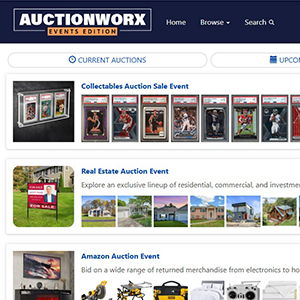
Browse active and upcoming auction events from the bidder-facing website and see how timed auction catalogs are presented.
- Preview event and lot browsing
- Test the bidding experience
- Review responsive auction pages

Admin Control Panel
Open the administrator side of the demo to review setup and site preferences, reporting, content, and management tools.
- Review configuration options
- Explore reports and site settings
- See user and consignor management