How to update the Nameservers to Cloudflare on GoDaddy
This is a guide for pointing to Cloudflare's Nameservers on GoDaddy.
-
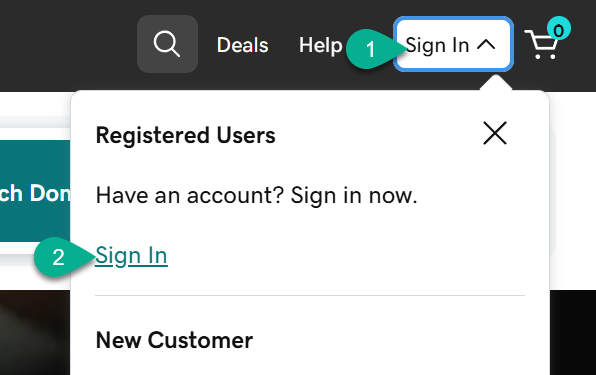
First sign in.
-
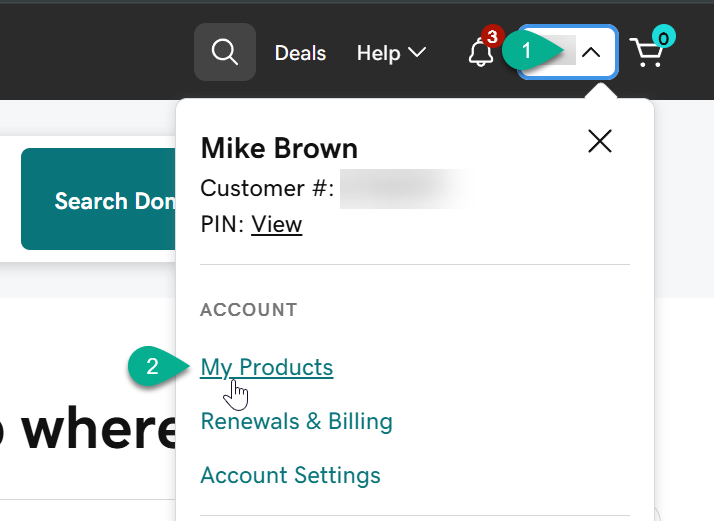
Click on the username dropdown and then the My Products link.
-
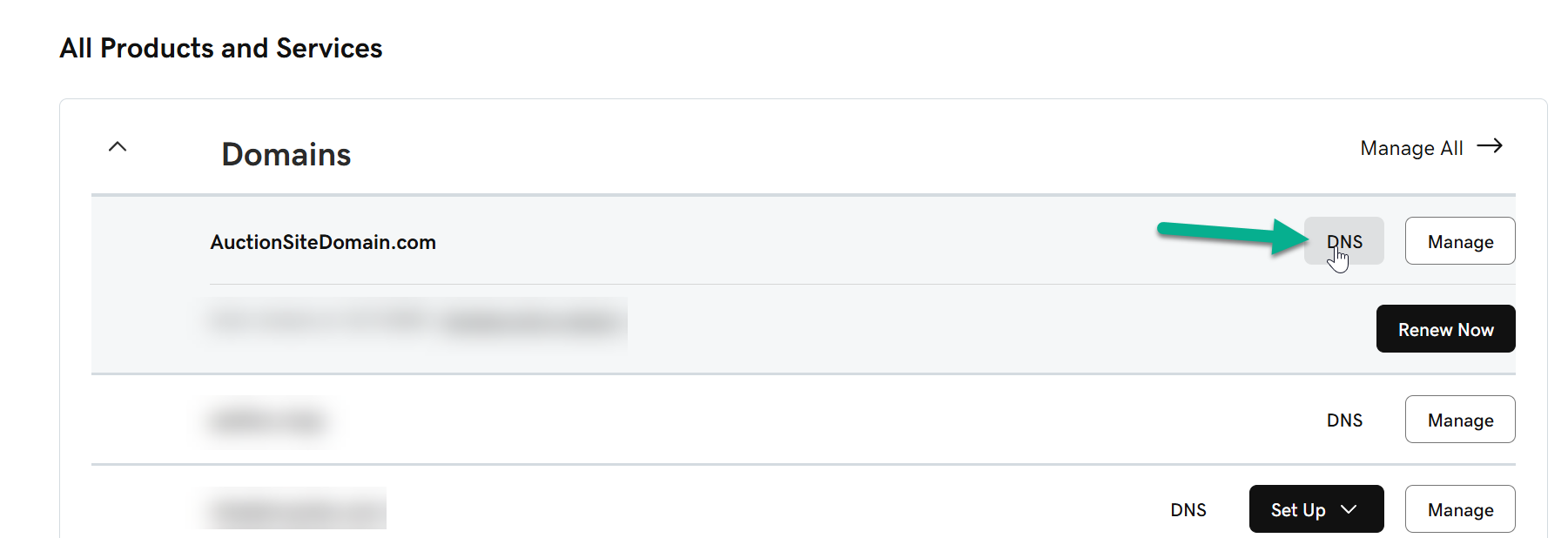
Scroll down to the Domains section and click DNS link next to the domain.
-
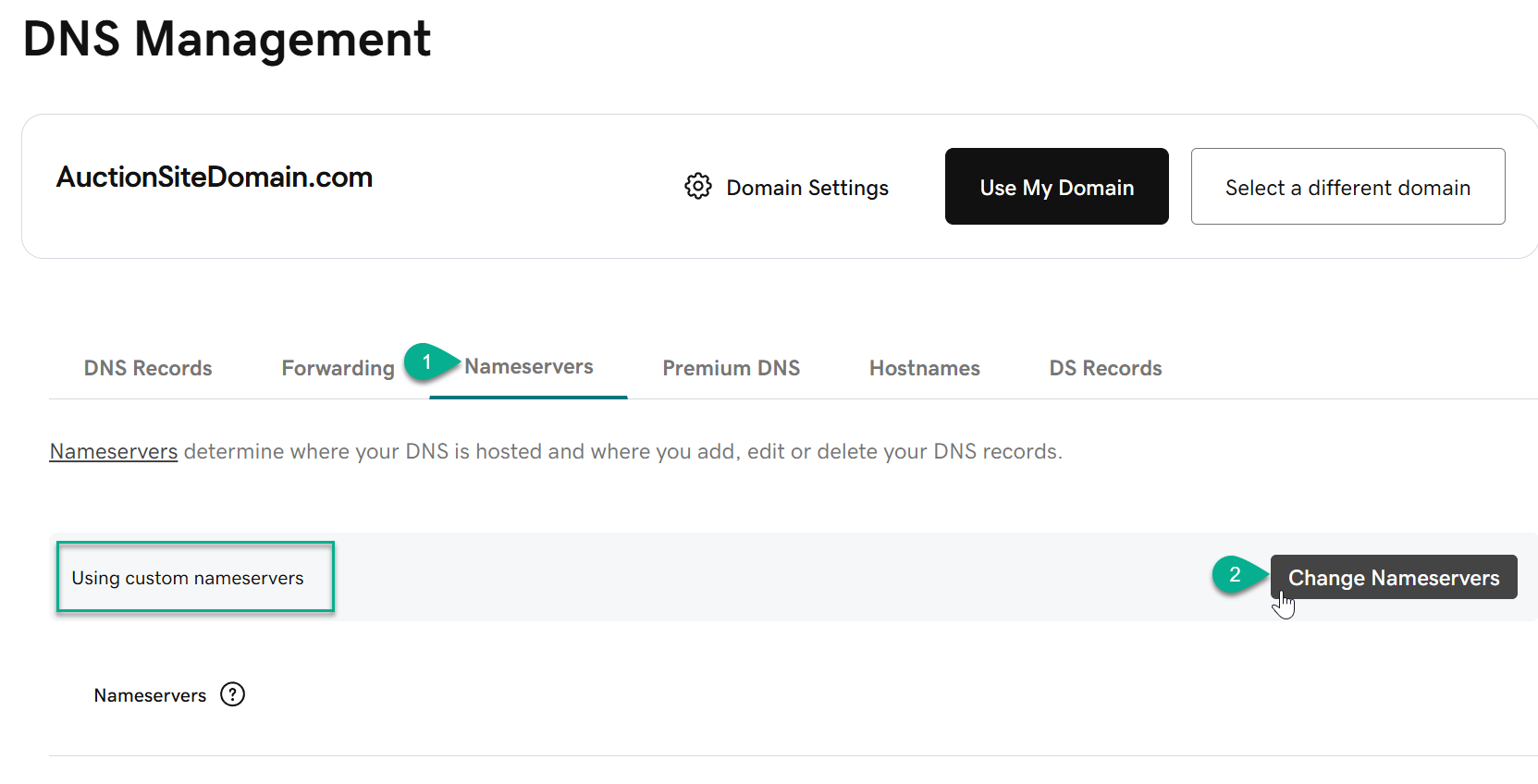
Click the Nameservers tab and then click the Change Nameservers button.
-
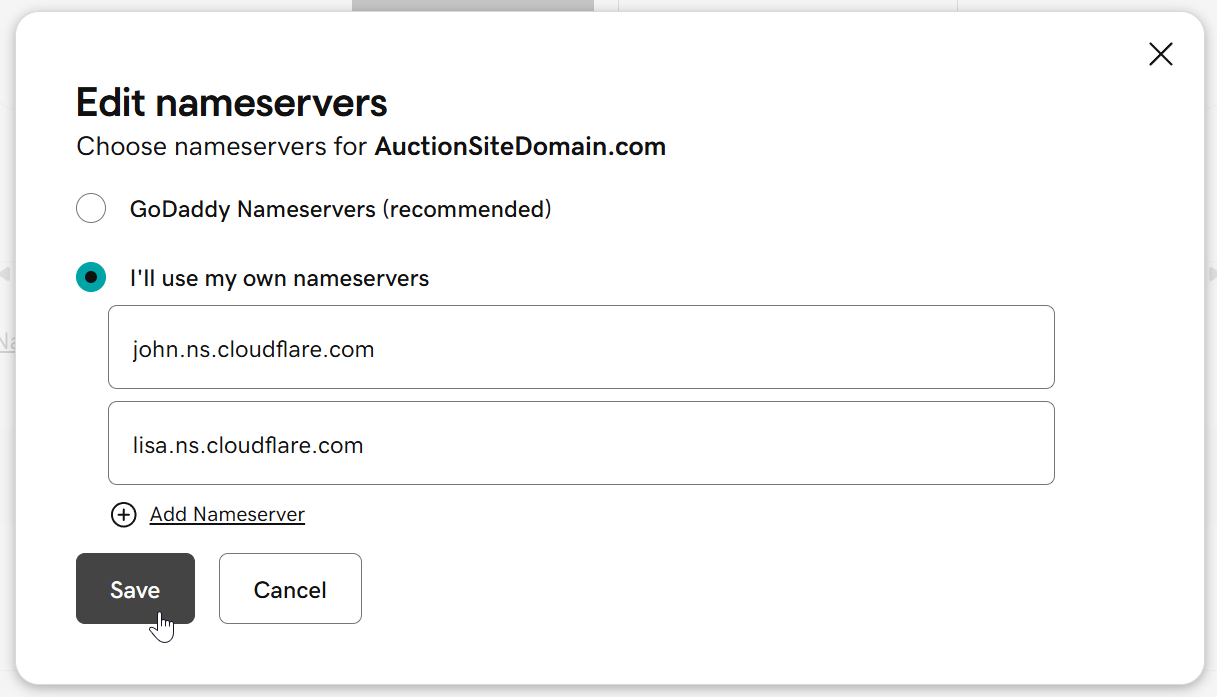
Enter the two Nameservers and click Save.
-
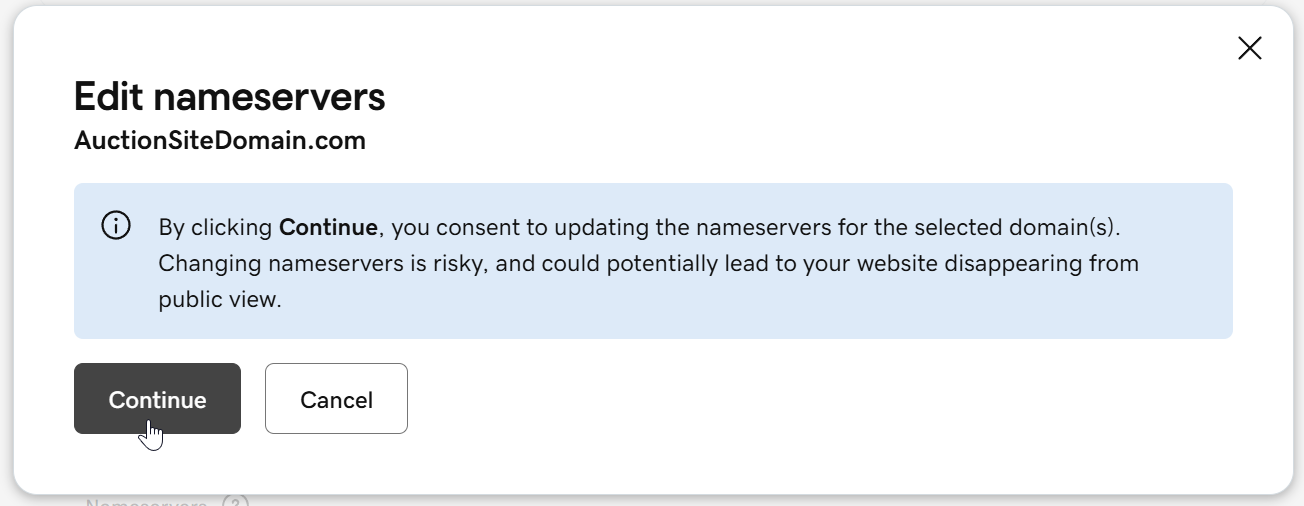
Click Continue to confirm the change.