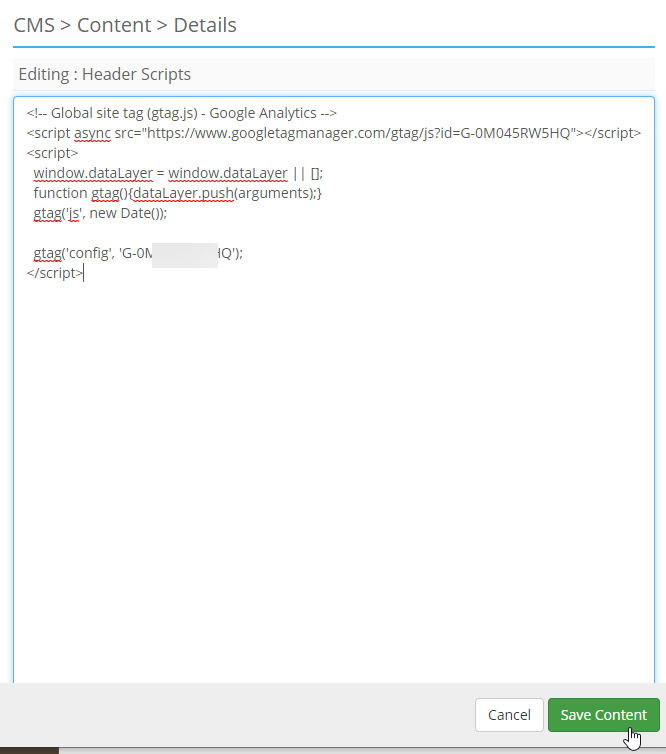
Sign up for Google Analytics and Apply it to your Site
This is how you sign up for Google Analytics and how you would install the scripts on your AuctionWorx site to allow Google to capture the data.
- Go to https://analytics.google.com
-
Click the Start measuring button.

-
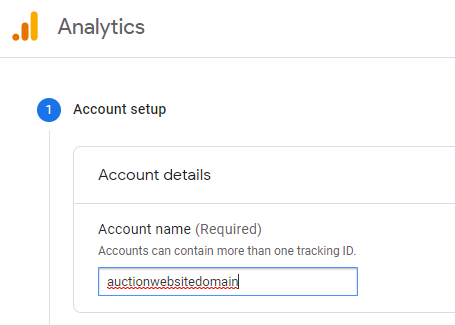
Enter a unique Account name.
-
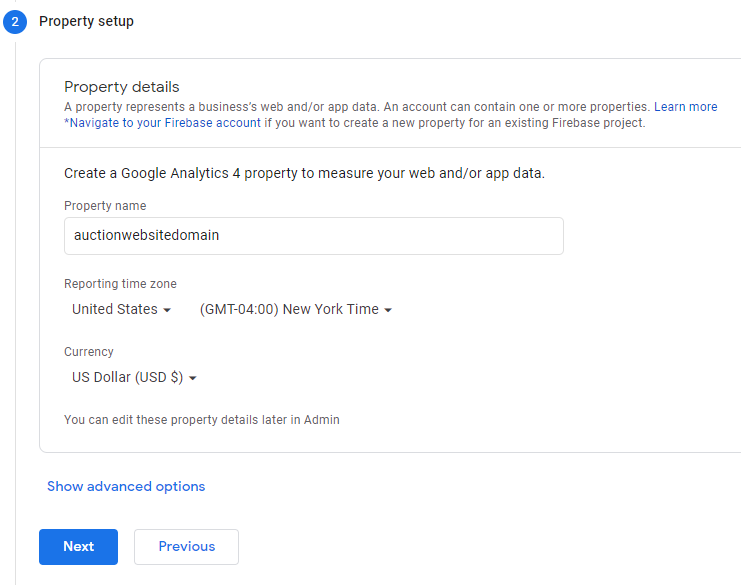
Enter your domain name as the Property name.
-
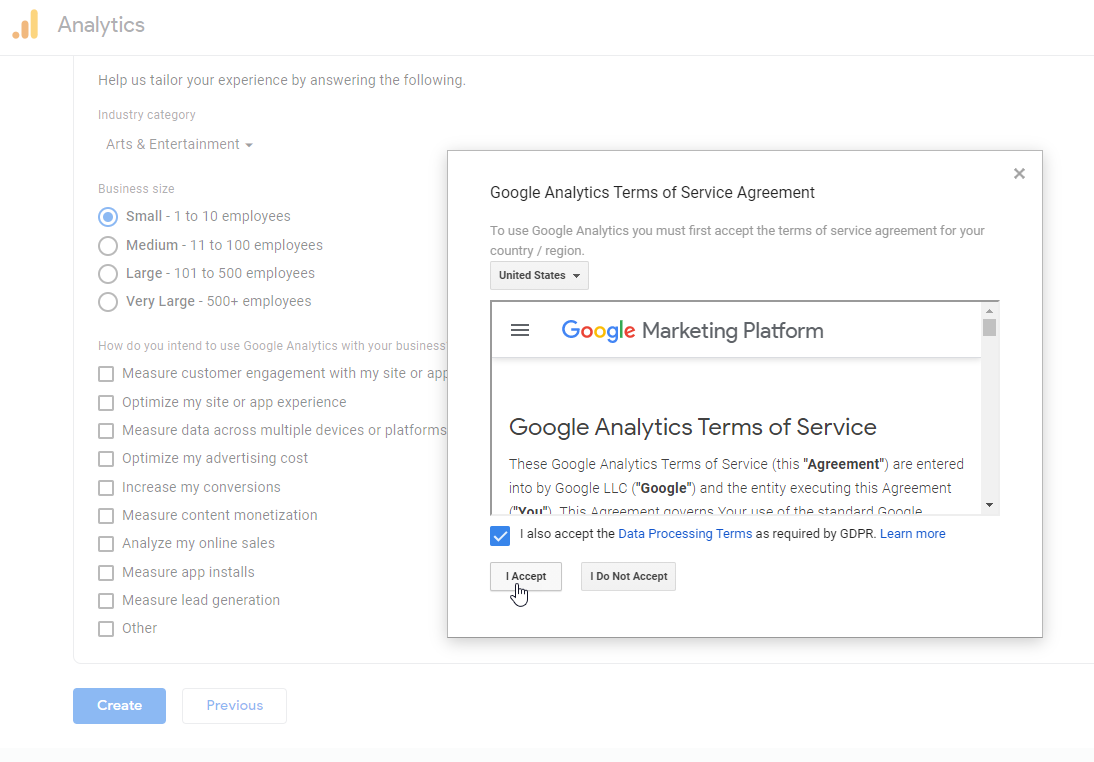
Enter the basic information about your business and the information you want to collect. Then accept the Terms of Service Agreement.
-
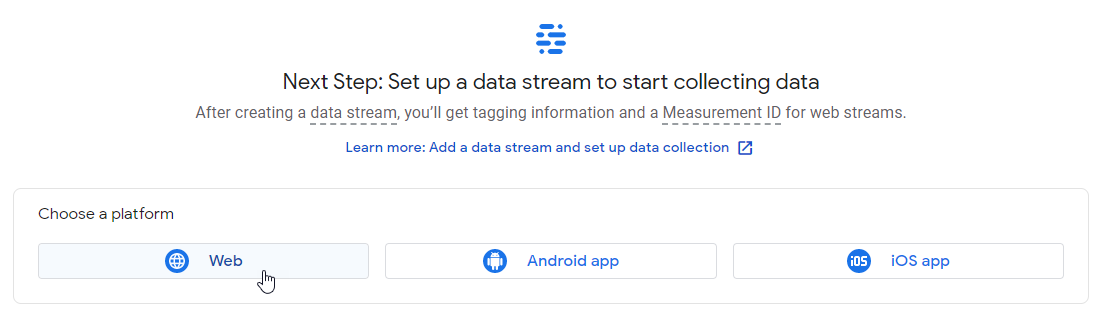
Setup a new Data Stream for your website by clicking on the Web button.
-
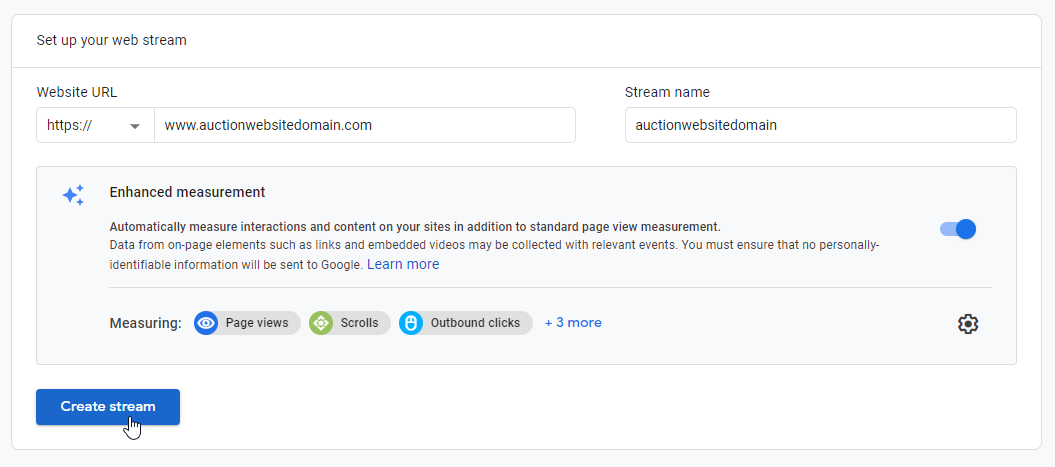
Enter your website's URL and then add the domain name as your Stream name.
-
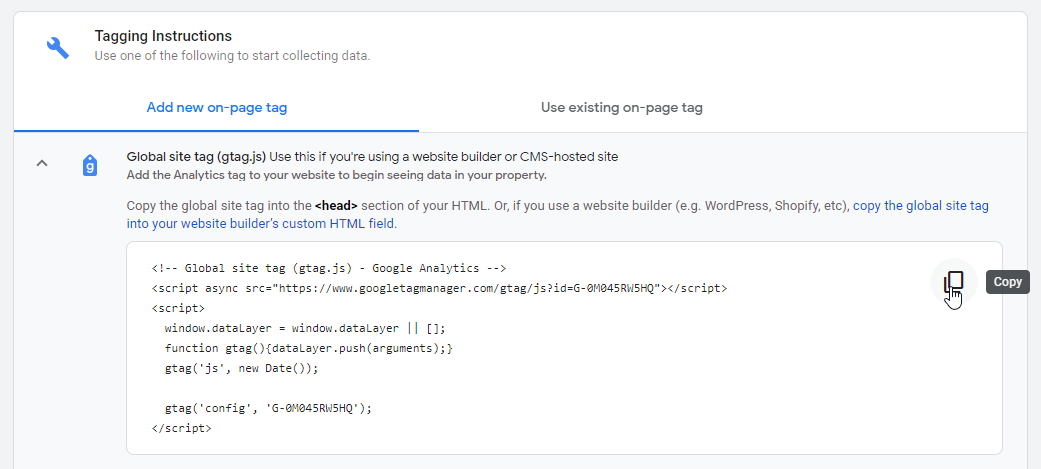
Open the Global site tag (gtag.js) option and click the Copy button to copy the code.
-
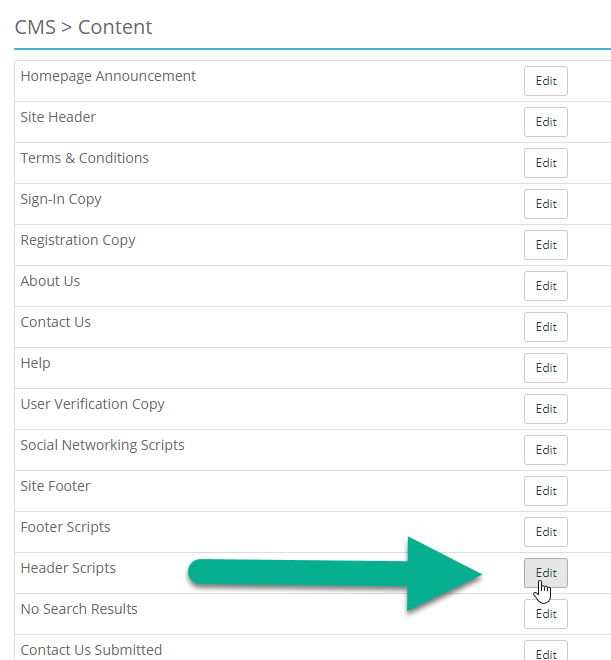
In AuctionWorx, navigate to the Admin Control Panel > CMS > Content page and click the Edit button next to the Header Scripts page.
-
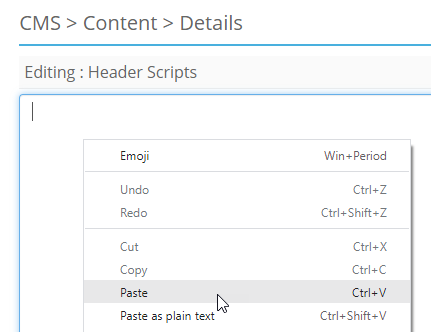
Paste the code into this content area.
-
Click Save Content.