Purchasing the PositiveSSL NameCheap
This short guide just explains the details for purchasing the PositiveSSL from NameCheap.com. The remaining steps will be handled by Mike at RainWorx Support.
-
Go to NameCheap.com to purchase a PositiveSSL: https://www.namecheap.com/security/ssl-certificates
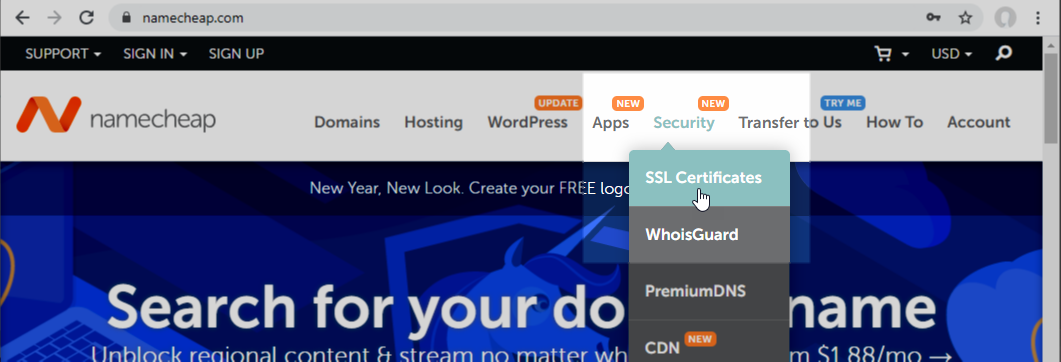
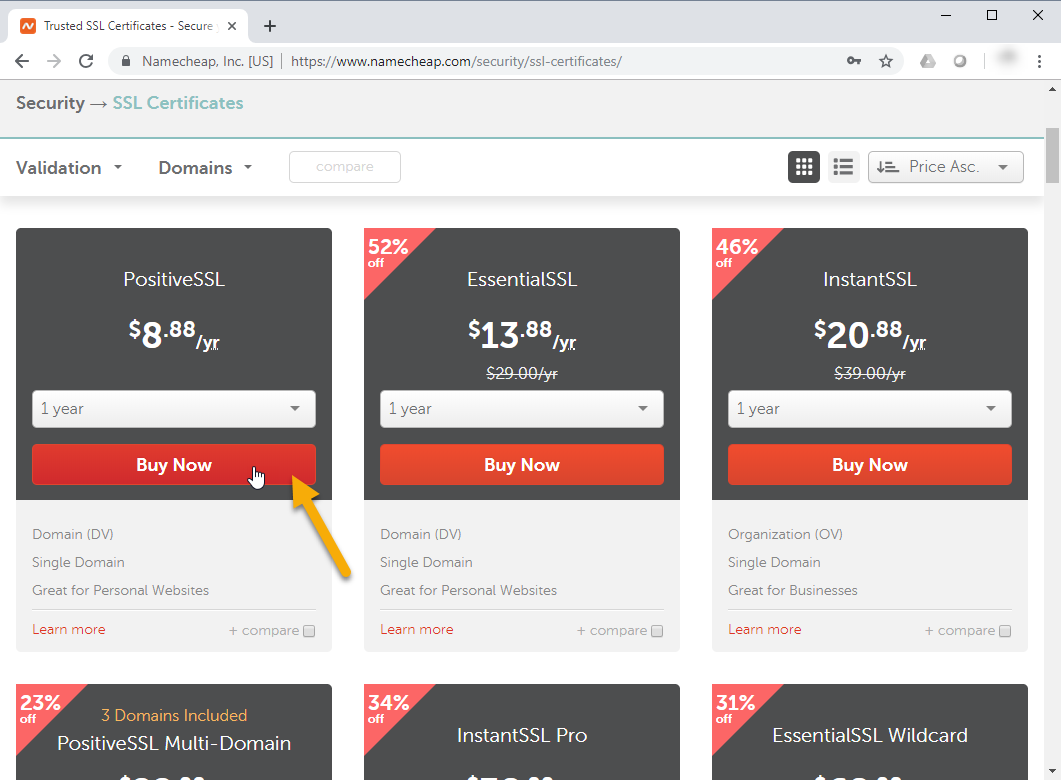
-
Click Confirm Order.
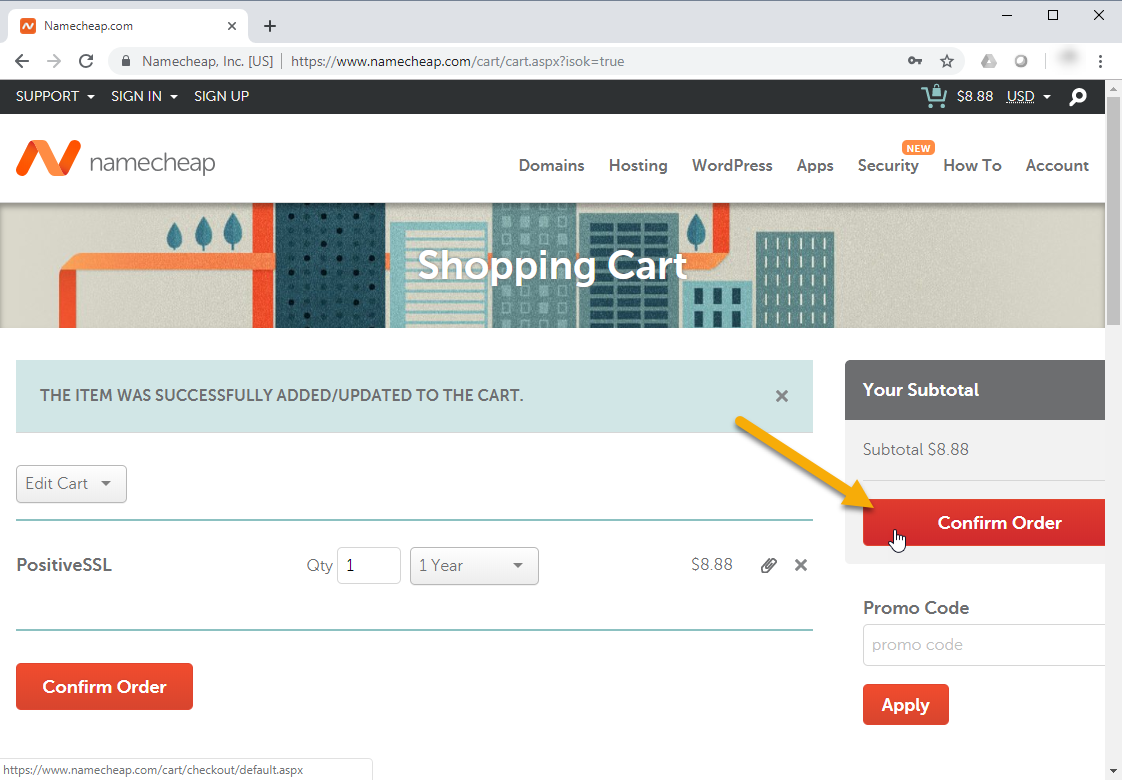
-
Click Create Account and Continue.
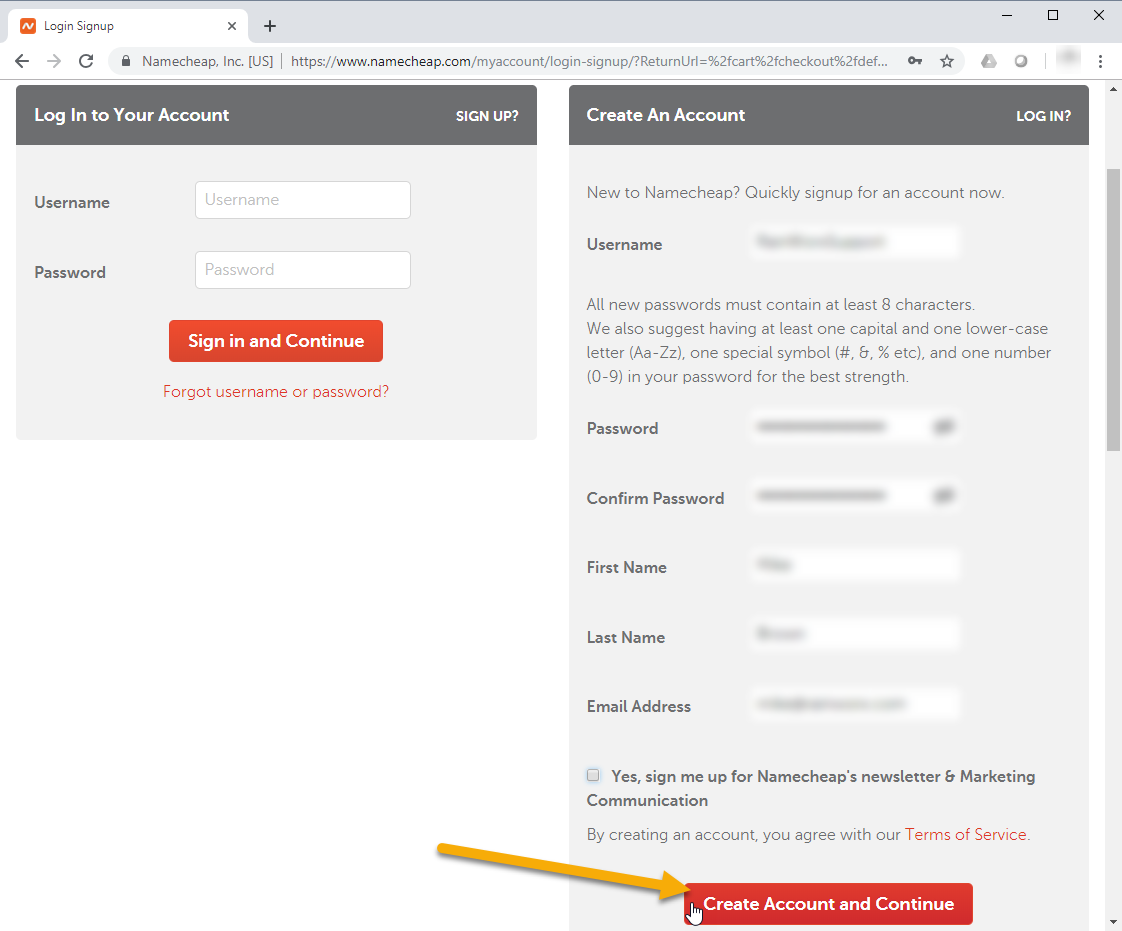
-
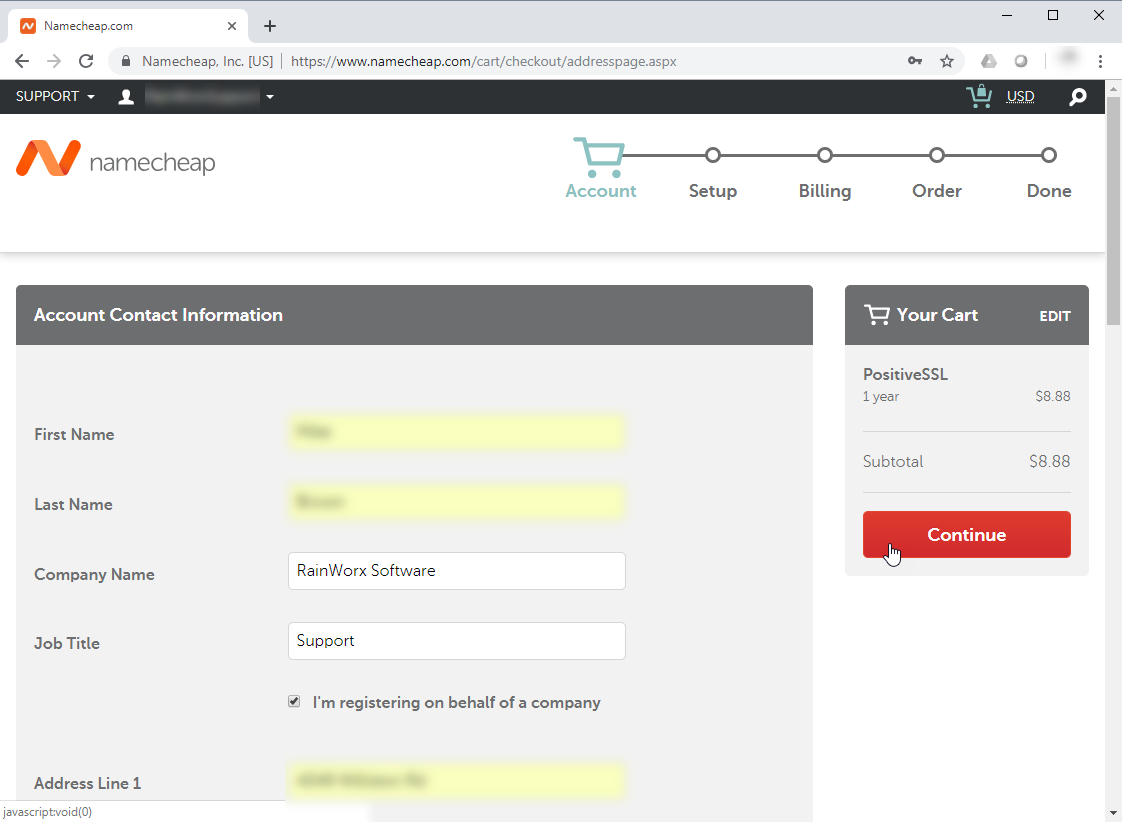
Fill out the required fields and click Continue.
-
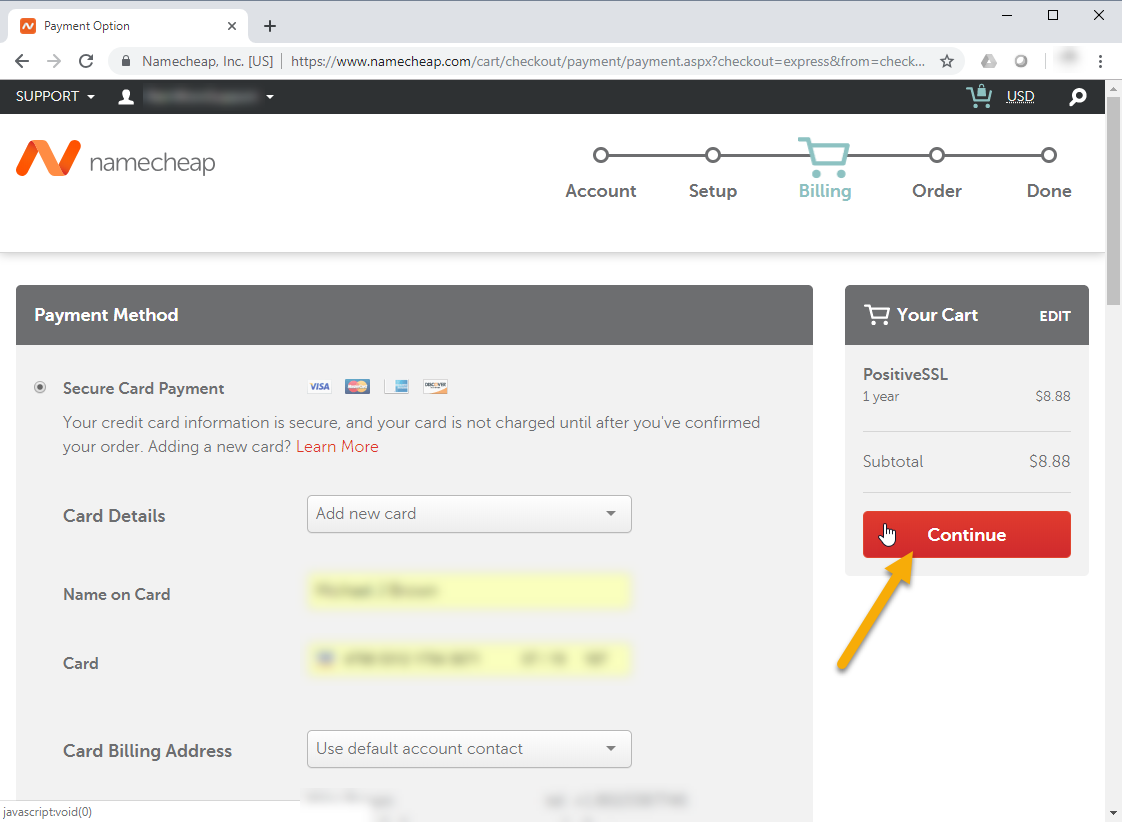
Fill in your billing information and click Continue.
-
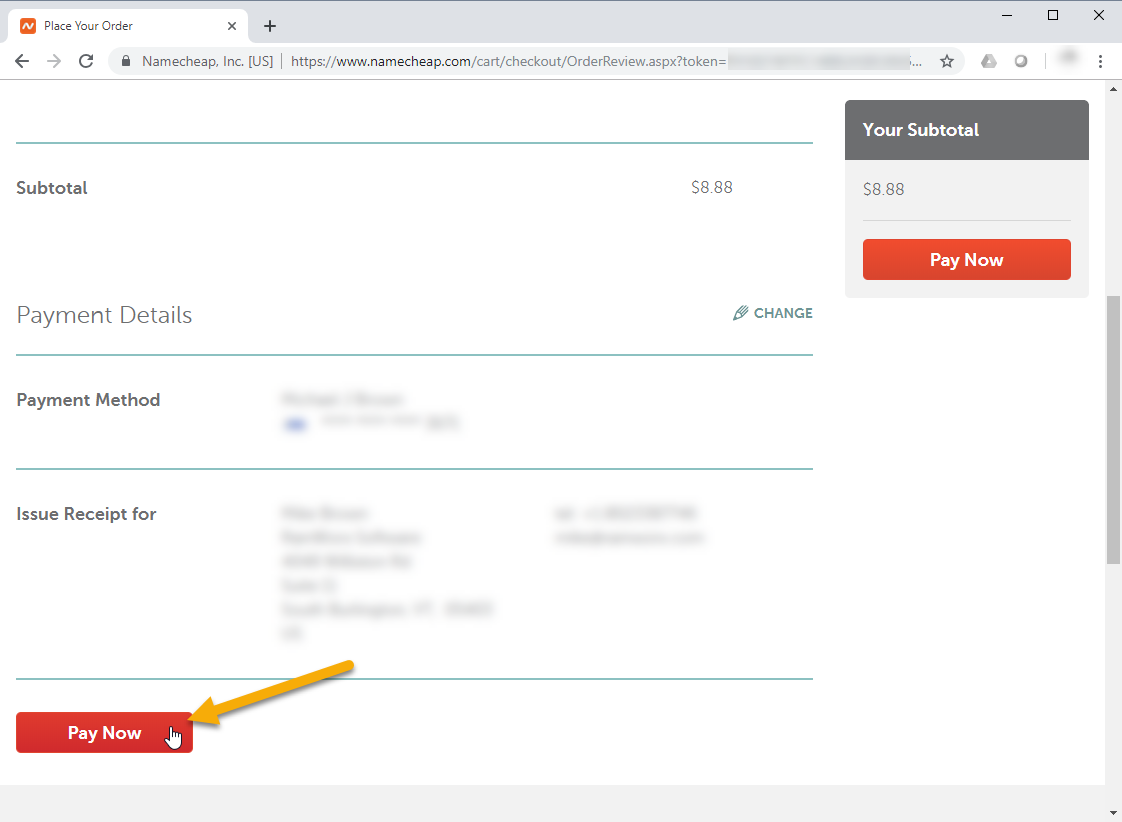
Confirm your order details and click Pay Now.
-
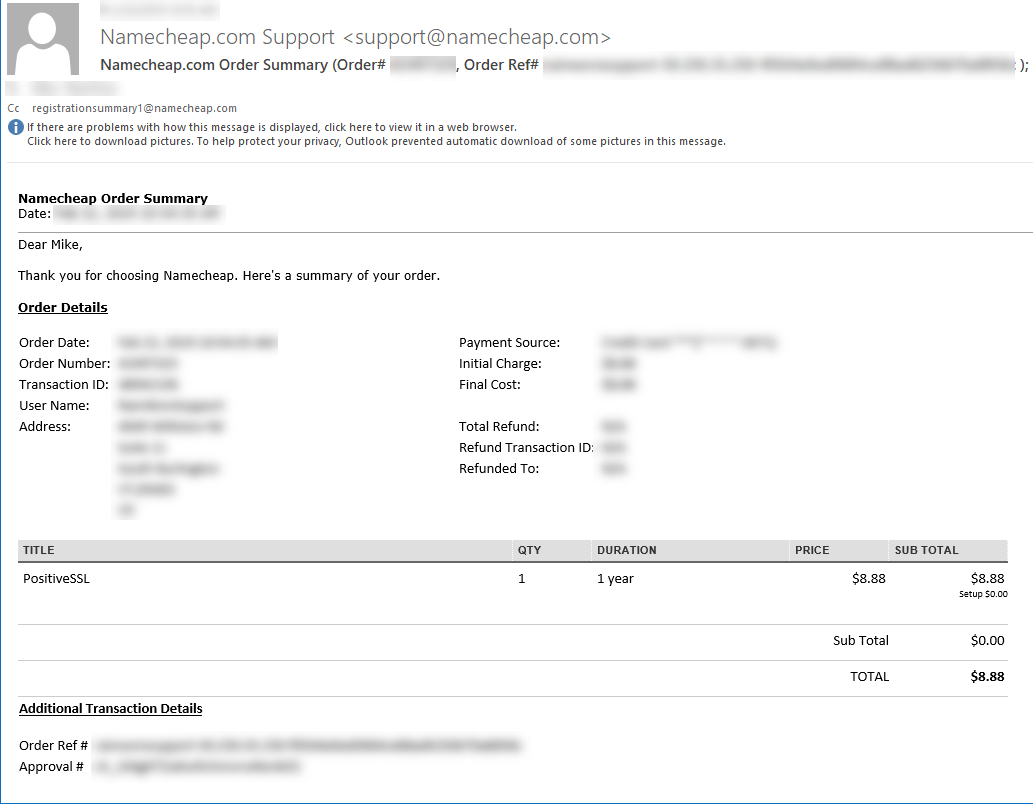
You can confirm that the order went through by checking the email address you provided when purchasing the SSL Certificate.
-
The last step is to send the NameCheap Username and Password to [email protected]. RainWorx Support will take it from here and get the SSL Certificate installed on the server where your site is hosted.