Disable the Stripe Autofill Link button on Credit Card forms
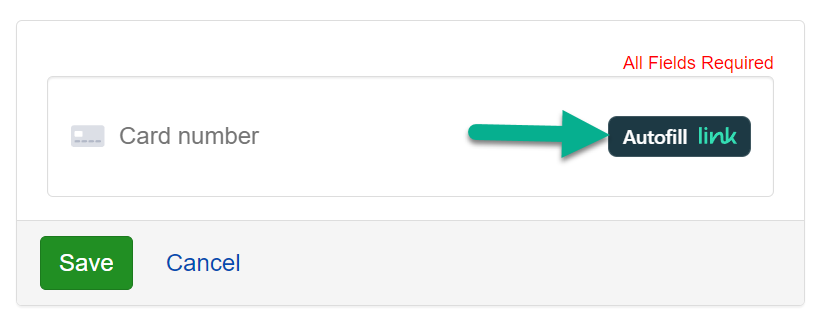
The below instructions explain how to disable the "Autofill Link" button on your Stripe Credit Card form.
-
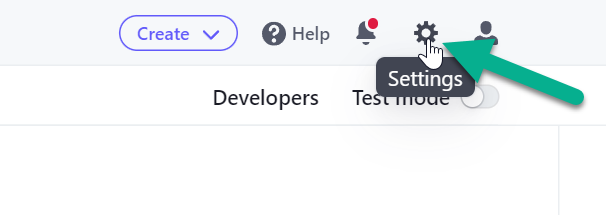
Log in to your Stripe Dashboard and click the Settings icon at the top right.
-
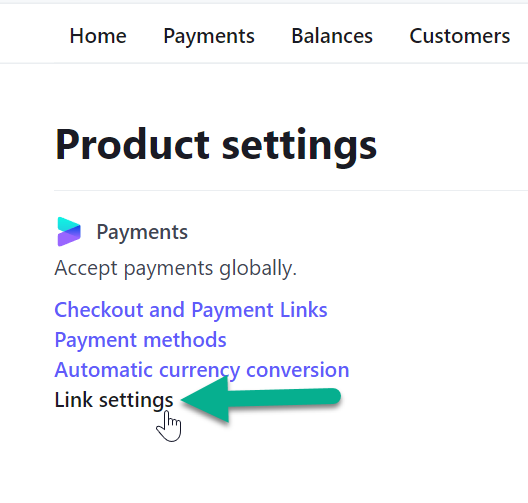
Under the Product Settings section, click the "Link Settings" link.
-
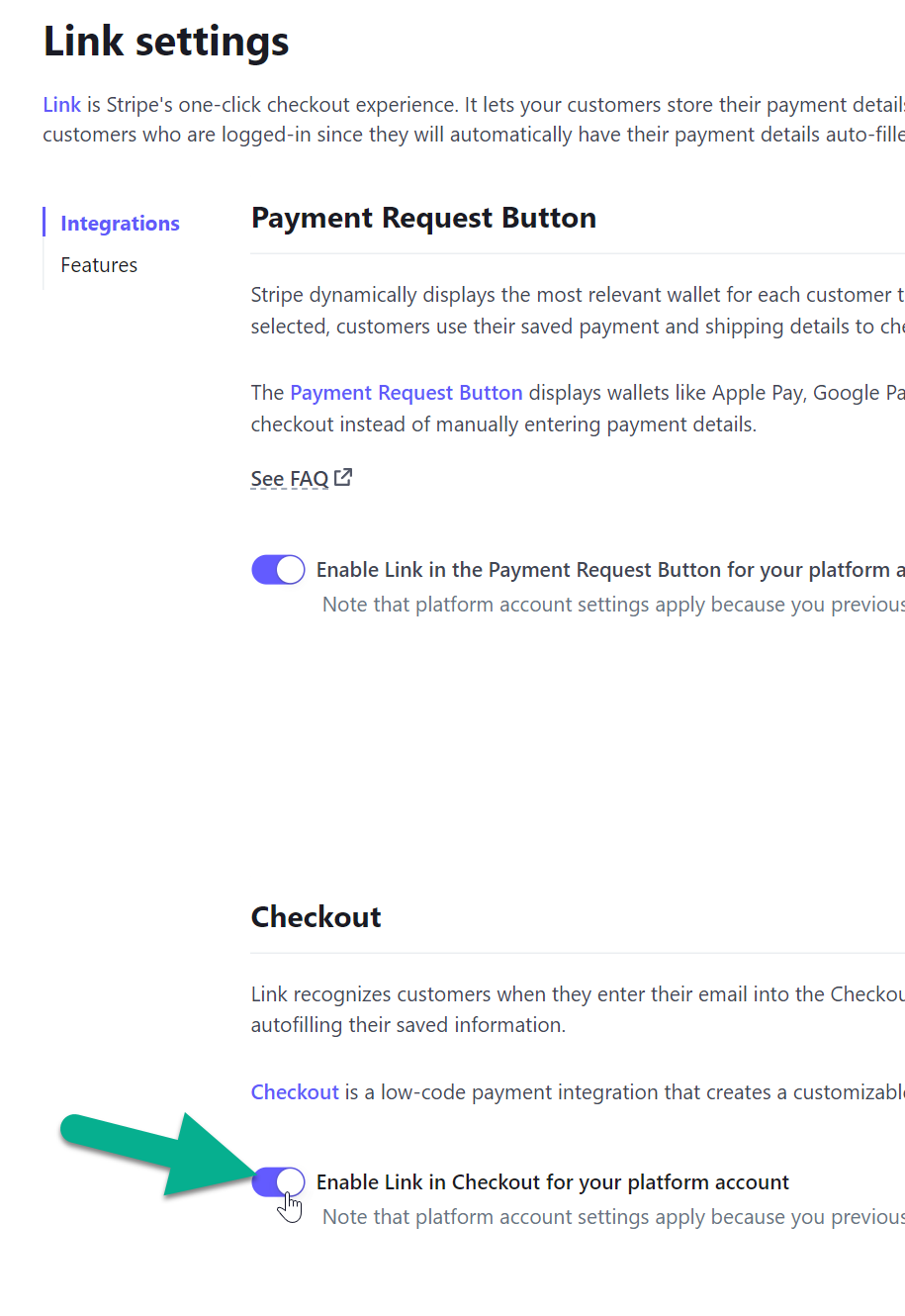
Scroll down and toggle the setting labeled "Enable Link in Checkout for your platform account".