Cultures
This is a list of all cultures that may be applied as a preference to match your website.
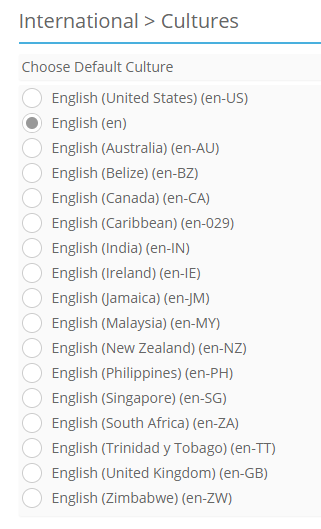
By default English (en) is enabled. Changes in Language, Culture, and Currency are required to update date, time, and prices throughout the site.
To select Culture
- Scroll through the options.
- Select your preferred culture.
- You may select only one default culture at a time.
- Click Save.
The date shown in the footer corresponds with the Culture selected on this page, regardless of which languages are selected in this page.
Note
These languages are not automatically translated. Manual updates are required for the site language files.