Without Proxy Bidding
This page describes how the bidding will go with Proxy Bidding turned off.
Enable Proxy Bidding can be turned off from the Admin Control Panel > Listings > Auction page.
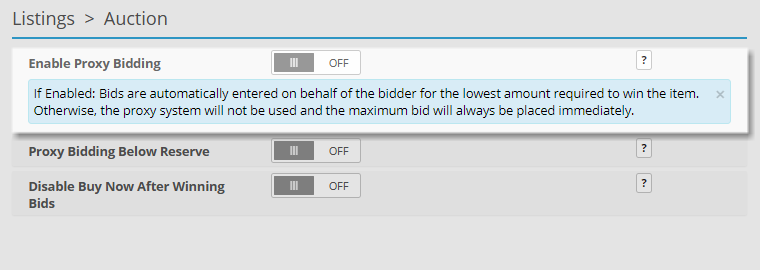
Non-Proxy Bidding Scenario
The following example scenario illustrates how bidding works on an auction listing when the Proxy Bidding setting is turned Off.
With Proxy Bidding disable the user’s bid is directly submitted and bids up the auction price, even if they are the first bidder.
-
Admin creates a listing with a starting price of $100.00.
-
AuctionBob enters a bid of $150.00.
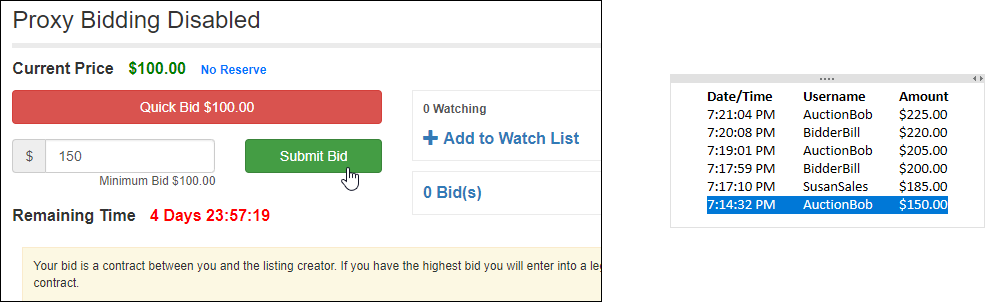
-
SusanSales enters a bid of $185.00.
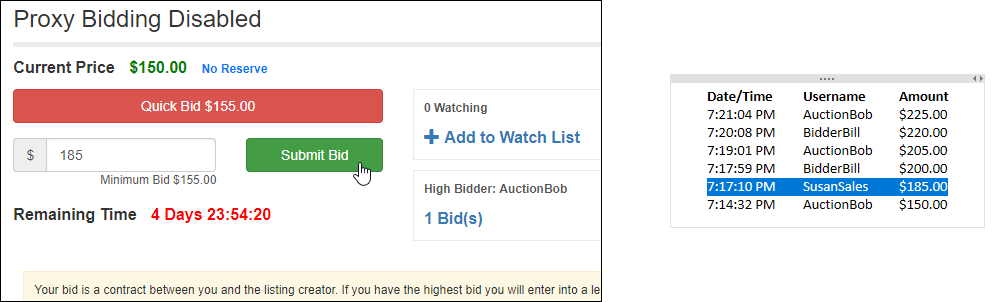
-
BidderBill enters a bid of $200.00.
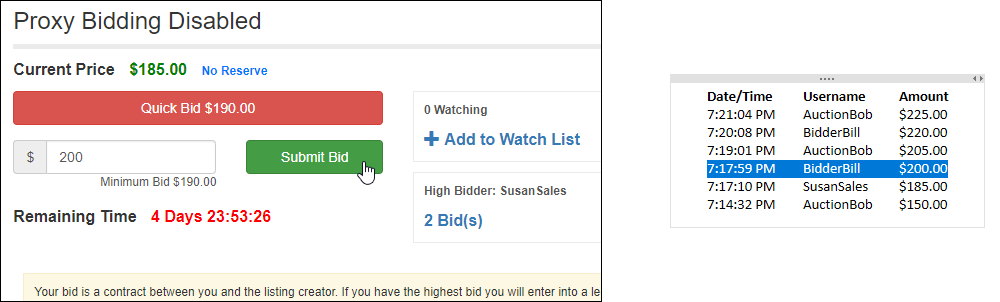
-
AuctionBob enters a bid of $205.00.
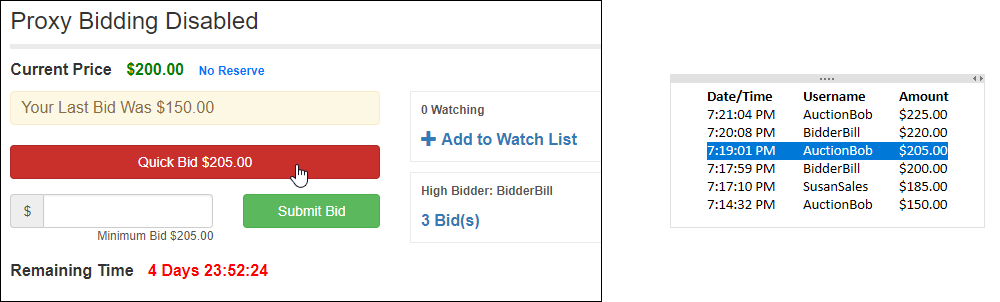
-
BidderBill enters a bid of $220.00.
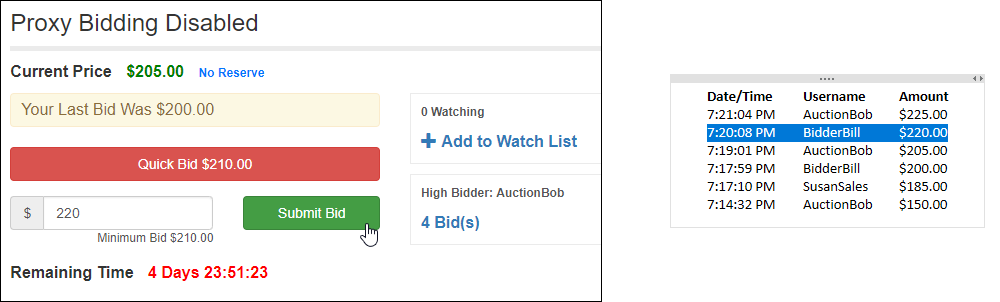
-
AuctionBob enters a bid of $225.00.
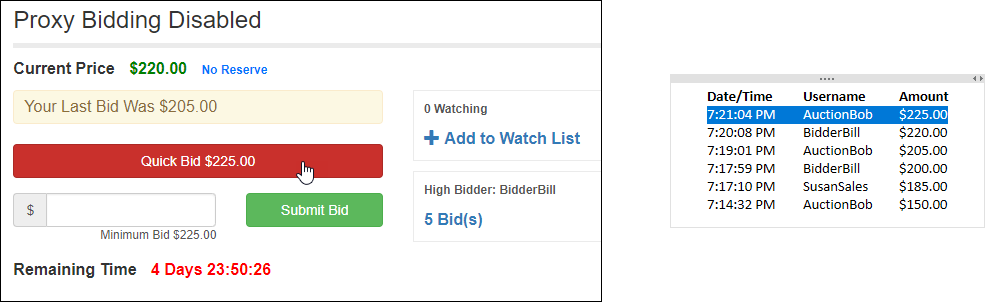
AuctionBob is the current winner with a bid of $225.00.
Bid History
| Date/Time | Username | Amount |
|---|---|---|
| 7:21:04 PM | AuctionBob | $225.00 |
| 7:20:08 PM | BidderBill | $220.00 |
| 7:19:01 PM | AuctionBob | $205.00 |
| 7:17:59 PM | BidderBill | $200.00 |
| 7:17:10 PM | SusanSales | $185.00 |
| 7:14:32 PM | AuctionBob | $150.00 |