Impersonate User
This ability to "Impersonate" another user allows the admin to view the site from the impersonated user's context without having sign in as that user.
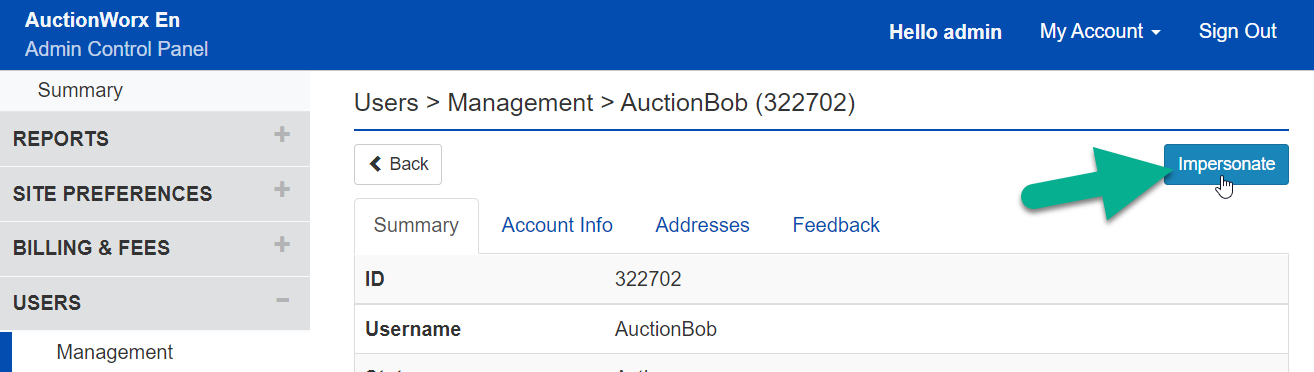
To impersonate a user, click on that user's row from the Users > Management page and you can find the Impersonate button at the top.
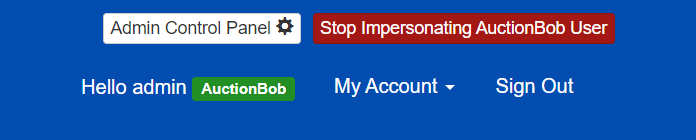
If you'd like to stop Impersonating a user you can click the red Stop Impersonating [Username] button at the top of every page. The header will also display the name of the user you are impersonating in Green.