Without Disable Buy Now After Winning Bids
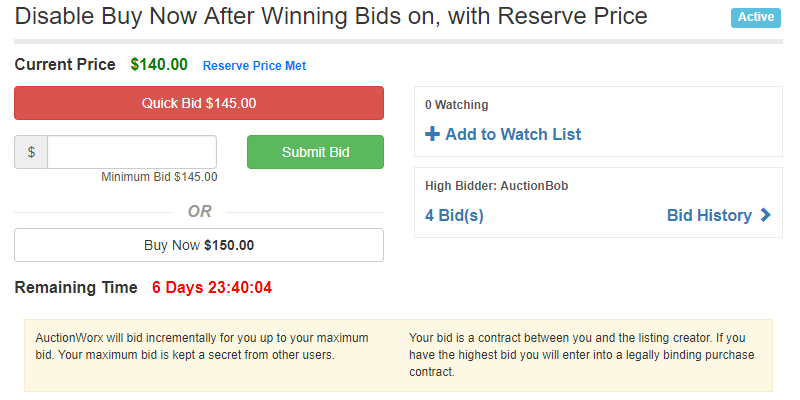
This page describes how the bidding will go with Disable Buy Now After Winning Bids turned off.
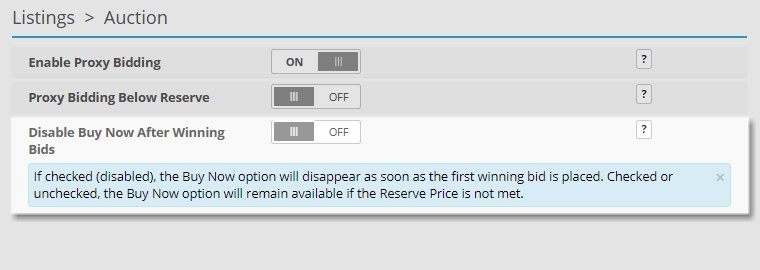
Disable Buy Now After Winning Bids can be turned off from the Admin Control Panel > Listings > Auction page.
Disable Buy Now After Winning Bids turned off Scenarios
This scenario explores how an auction listing with Disable Buy Now After Winning Bids being unchecked would turn out.
In this case, the Buy Now button will remain visible up until the Current Price is equal to or higher than the Buy Now price. This scenario makes it easy to see why bidders would become disinclined to continue bidding beyond the Buy Now price.
How a listing without a Reserve Price would play out:
-
Admin creates a listing with a starting price of $100.00, no Reserve Price and a Buy Now price of $150.
-
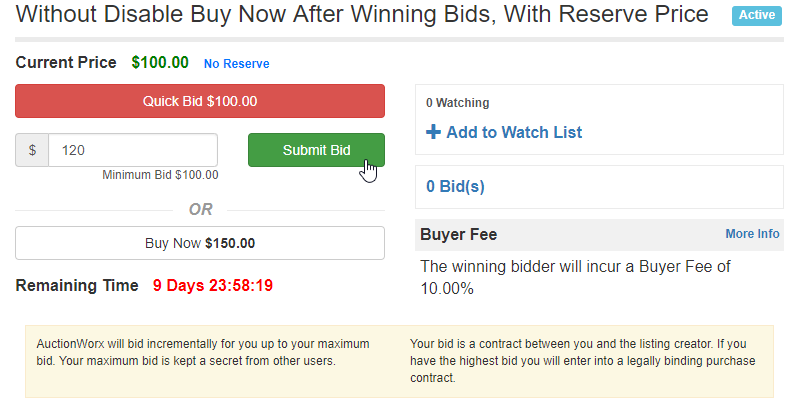
AuctionBob sees that he can Buy Now for $150.00 or submit a bid. AuctionBob submits a bid for $120.00.
-
The listing still shows a Current Price of $100.00 and the Buy Now button remains.
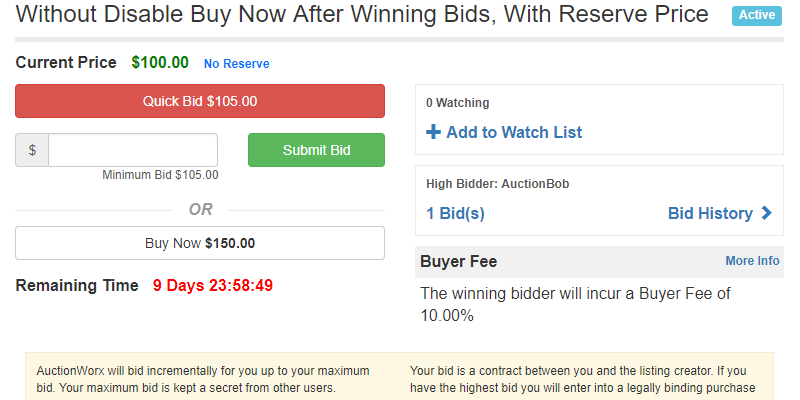
-
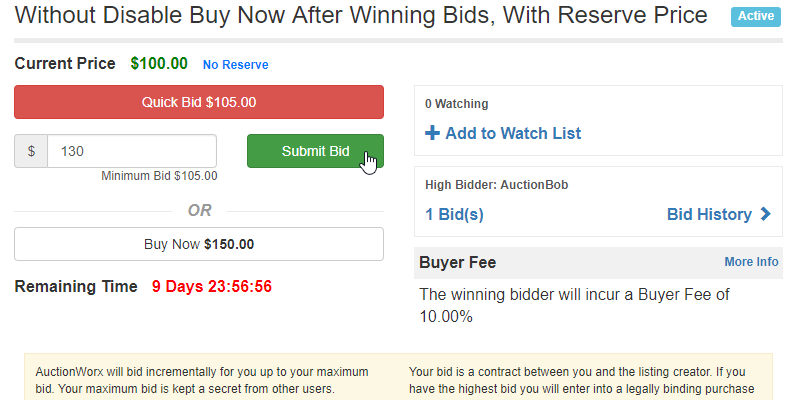
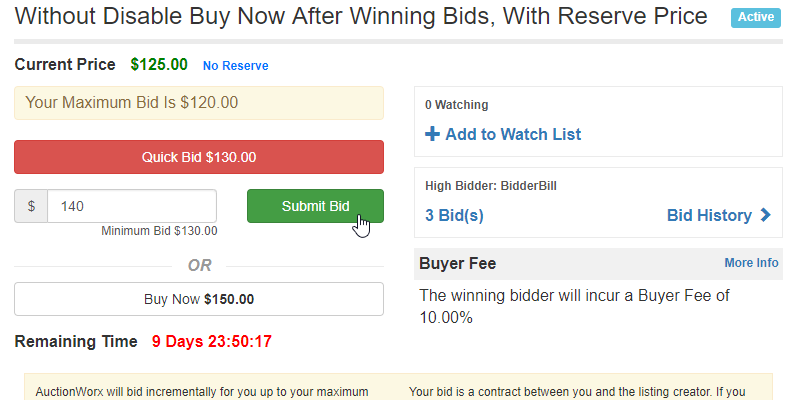
BidderBill bids $130.00.
-
AuctionBob submits a bid for $140.00.
How a listing with a Reserve Price would play out:
-
Admin creates a listing with a starting price of $100.00, a Reserve Price of $130.00 and a Buy Now price of $150.
-
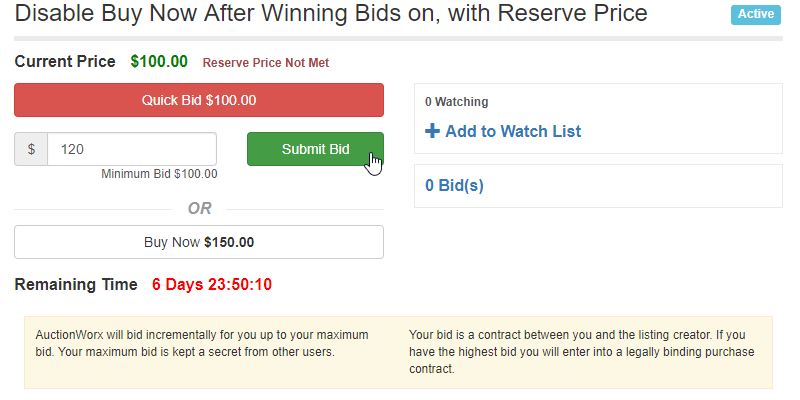
AuctionBob sees that he can Buy Now for $150.00 or submit a bid. AuctionBob submits a bid for $120.00.
-
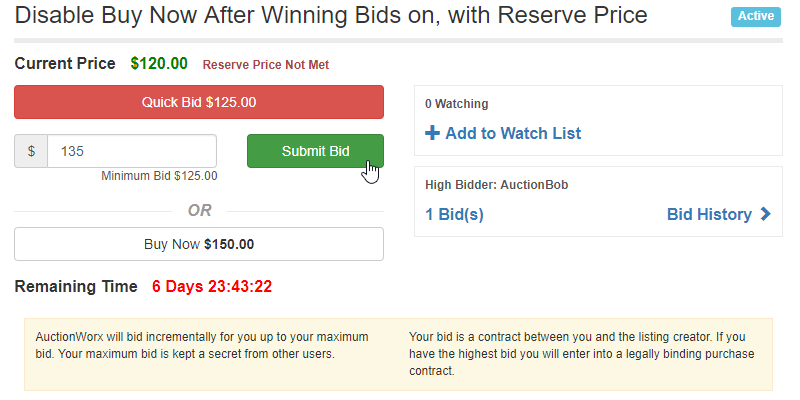
BidderBill sees the listing has a Current Price of $120.00 and a Buy Now price of $150.00. BidderBill submits a bid of $135.00.
-
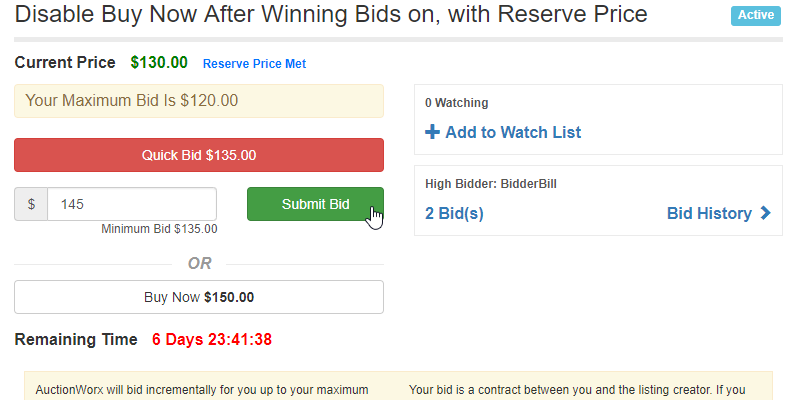
AuctionBob sees a Current Price of $130.00 and the Buy Now button remains with a price of $150. AuctionBob submits a bid for $145.00.
-
The Current Price increases to $135.00 with AuctionBob winning and the Buy Now button remains. The next bidder would do well to just click Buy Now at this point.