User Addresses
This section is used to view, add, or update a user's address or addresses.
Note
If the Address Description is left blank the Street Address will be used.
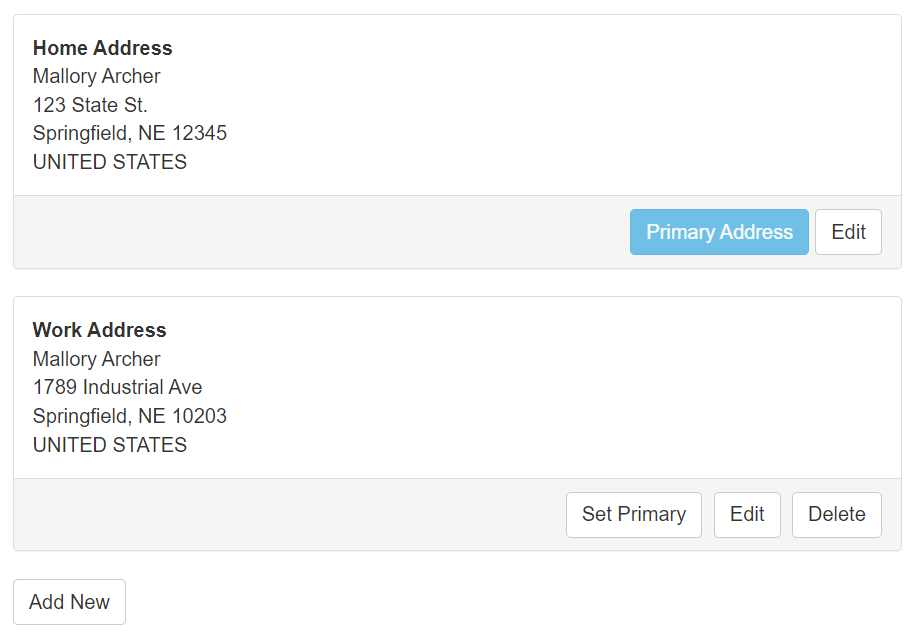
Add New – This opens the New Address form.
Edit – This will allow you to modify an address.
Set Primary – This sets the address as the Primary Address.
Delete – This will remove the address.
Editing Addresses
The following fields are available for each address.
Description – This is the name of the user's address.
Note
Example: Home Address or Work Address
First Name – The first name is required.
Last Name – The last name is required.
Street Address – The street address is required.
Street Address 2 – The second street address is optional.
Country or Territory – The country is required.
City – The city is required.
State/Region – The state is required.
Zip/Postal – The zip code is required.