With Disable Buy Now After Winning Bids
This page describes how the bidding will go with Disable Buy Now After Winning Bids turned on.
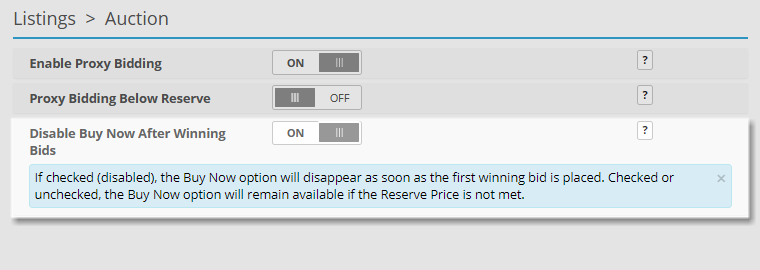
Disable Buy Now After Winning Bids can be turned on from the Admin Control Panel > Listings > Auction page.
Disable Buy Now After Winning Bids turned on Scenarios
Disable Buy Now After Winning Bids allows the bidder to choose the Buy Now option only up until a winning bid has been placed. If the Seller did not enter a reserve price the Buy Now button will become unavailable as soon as the first bidder makes a bid. If the Seller did specify a reserve price the Buy Now button will disappear as soon as a bid goes above that price.
Without a Reserve Price
-
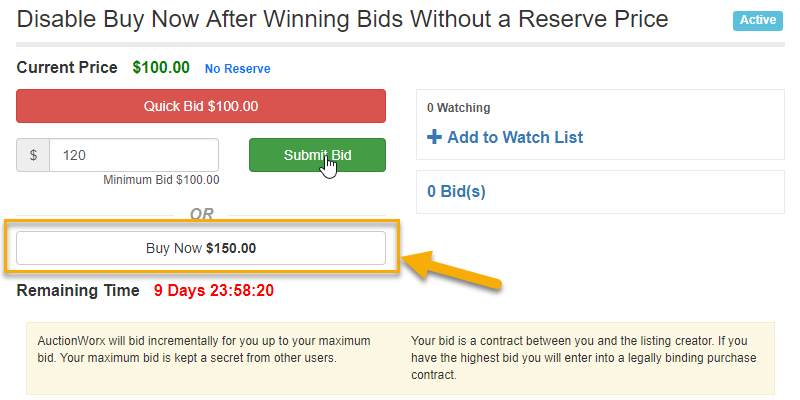
Admin creates a listing with a starting price of $100.00, no Reserve Price and a Buy Now price of $150.
-
AuctionBob sees that he can Buy Now for $150.00 or submit a bid for $100.00. AuctionBob submits a bid for $120.00.
-
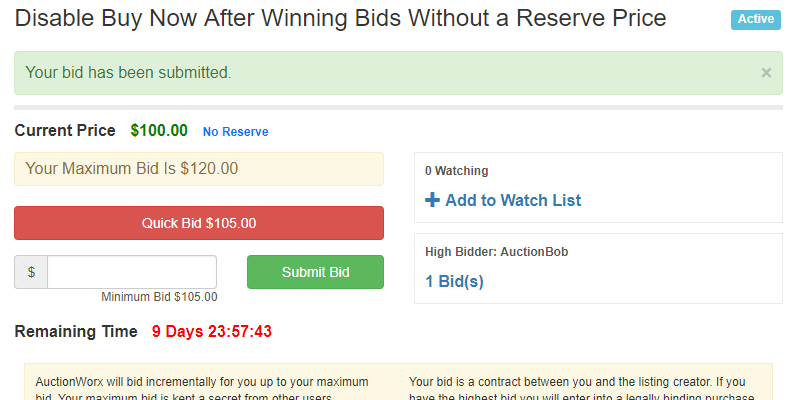
The listing now shows a Current Price of $100.00 and the Buy Now button has disappeared.
With a Reserve Price
-
Admin creates a listing with a starting price of $100.00, a Reserve Price of $130.00 and a Buy Now price of $150.
-
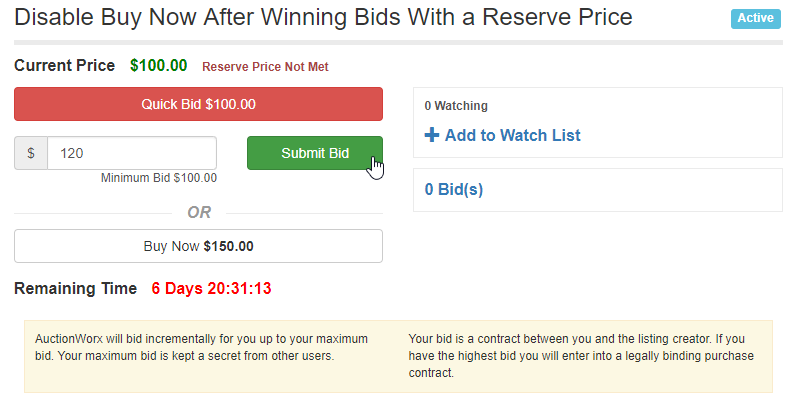
AuctionBob sees that he can Buy Now for $150.00 or submit a bid for $100.00. AuctionBob submits a bid for $120.00.
-
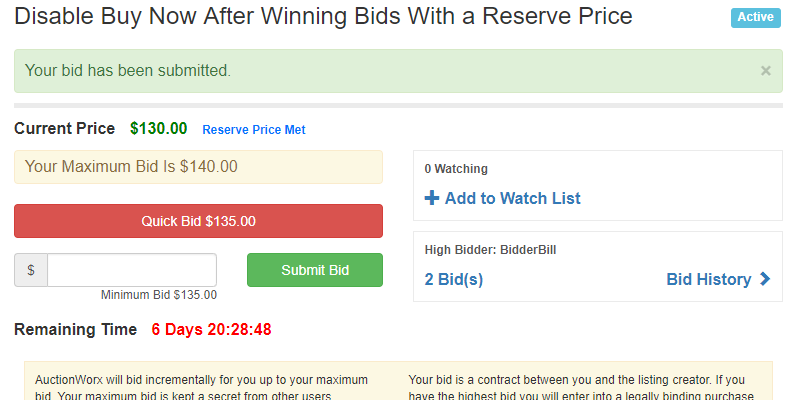
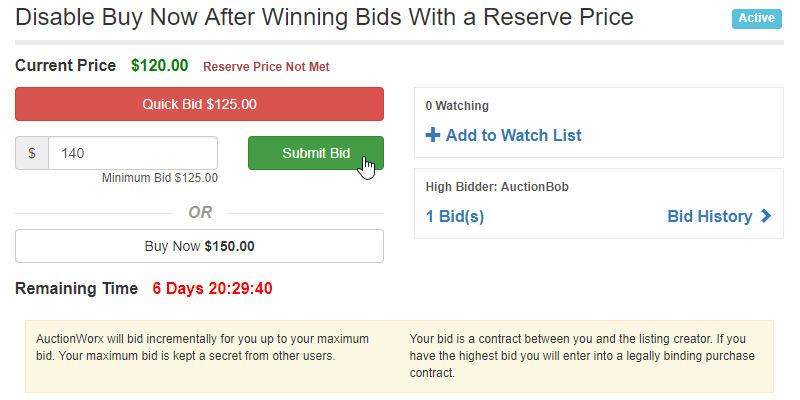
BidderBill sees the listing has a Current Price of $120.00 but the reserve still has not been met, and submits a bid of $140.00.
-
The listing now shows a Current Price of $130.00 and the Buy Now button has disappeared.